Ovrture builds on your system of record.
Your constituent records stay in the CRM your team already knows. Ovrture reads them, builds the website each donor receives, and sends back what that donor read. The connections below are how the data travels, and what standing one up asks of your technical staff.
The data objects, in each direction
Scope before mechanics, and the scope is the same however the data travels. A connection moves these objects for you; a structured file your team uploads moves them just as well. The integrations are optional, and they exist to take work off your people. The whole list is published in the API documentation, so your team can read it before anyone signs anything.
Six objects. They arrive through a connection, through the API, or as a structured file your team uploads.
- 01RecordsDonors and prospects
- 02FundsThe funds themselves, as your system defines them
- 03Fund dataFund descriptions and record handling notes
- 04Fund performanceBeginning values and gift totals, by fiscal year
- 05Fund impactThe impact narrative attached to a fund
- 06Fund donorsWho is attached to which fund, with match figures by fiscal year
Four objects, returned through a connection, the API, or an export you download.
- 01Engagement analyticsSession-level engagement on each donor website
- 02Sessions and snapshotsThe record of a visit, readable and exportable
- 03Reports and sitesReadable, listable, and available to export and download
- 04Records and fund dataThe same objects that came in, back the way they came
Gift figures arrive at the fund level. There is no individual gift-transaction object and no payment object of any kind, so transaction-level giving history and anything touching payment stay where they are.
Everything that does move is treated as Restricted under Ovrture's data classification policy, which is the highest of its four tiers.
Read the object model for yourself (opens in a new tab)Every connection, and where it stands today
Four connections. Each is listed with its status, and this is the only page on the site that states one, so there is one answer to find and one place to find it.
- Blackbaud CRM Constituent and fund data come into Ovrture. Engagement on each donor website goes back to the record.
- Salesforce Available through the Salesforce AppExchange, separate from the Blackbaud connection. Kindsight ascend is a managed package that runs natively on Salesforce, so an institution running ascend runs it on the platform this connection reaches.
- Raiser's Edge NXT Available today for institutions running Raiser's Edge NXT.
- BrightVine DataLink An additional pathway to Blackbaud CRM for institutions working with BrightVine Solutions.
Wherever possible, Ovrture gives its API connectors away at no charge. The aim is to leave as little as possible between the data your organization already holds and the donor who should see it.
If your system is not one of those four
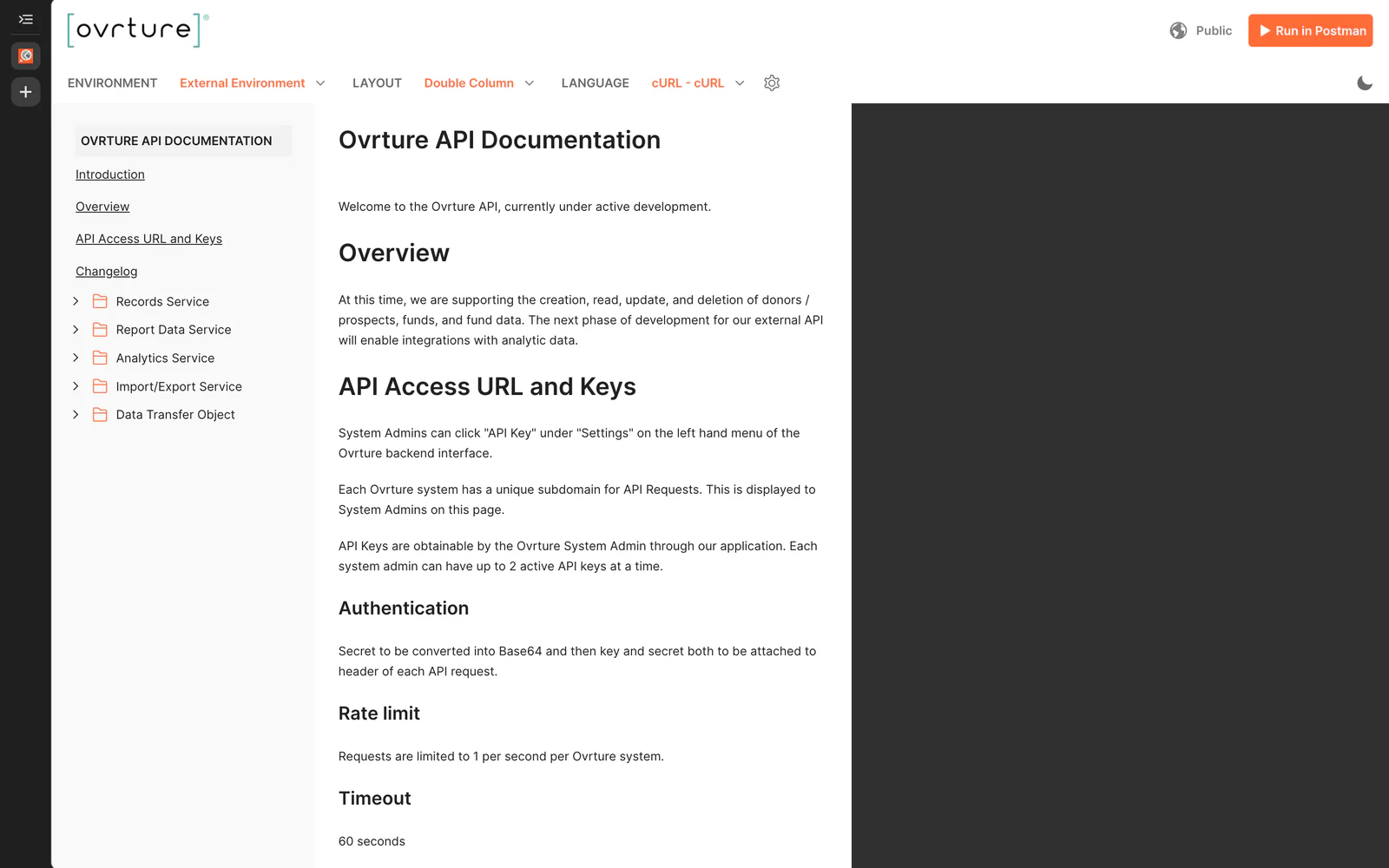
Ovrture publishes an Open API. It is REST and JSON, the documentation is public, and your developers can read the whole object model before you talk to anyone here.
Records, funds and fund data move through it, the same objects the direct connections carry. What building against it takes depends on the system you run and who does the work, and that is a conversation for your team and ours.
- ProtocolREST, over JSON
- DocumentationPublic, with a dated changelog, and no sign-in to read it
- ThroughputOne request per second per system, with a sixty-second timeout
Six items at launch, and single sign-on is optional
This is the whole of what Ovrture asks of an institution's technical staff to stand a system up. It is short on purpose, and your team should be able to read it and decide in one sitting.
- 01A URL constructThe address your donor websites are served at, on your own domain
- 02An email domain allowlistSo messages from the system are not filtered before they reach your team
- 03An administrative aliasOne address to receive system notices, so they do not land in one person's inbox
- 04An SSL certificateFor the domain those websites are served at
- 05A DNS recordPointing that domain at Ovrture
- 06Single sign-onOptional. SAML2 federation through Shibboleth, InCommon and ADFS, or local accounts with self-service password reset. Launch on local accounts and federate later if your identity work is queued behind other projects.
Where Ovrture's work ends and yours begins
A connection makes two systems each other's business, so it is worth being plain about the division. Ovrture's SOC 2 examination names five controls it assumes your institution operates, and its conclusions rest on them. That is why they belong on a page you can read, instead of sitting in a report you have to ask for.
- 01The termsComplying with the terms of service. No attestation covers use that falls outside the agreement, which is why this one sits first.
- 02Who has an accountAdministering your own users' access rights, including approving them, removing them and reviewing them periodically. Ovrture cannot know that a gift officer has changed roles or left; the periodic review is where that gets caught.
- 03Multi-factor authenticationMaking sure your people use it wherever your institution requires it. Where you sign in through your own identity provider, that is where the rule is set and where it is enforced.
- 04How your people use itSupervising your own staff's use of the service. Roles and permissions are the instrument; setting them to match how your office actually divides the work is the judgment.
- 05Your own continuity planKeeping disaster recovery and business continuity plans that cover a period when you cannot reach Ovrture. Ours cover our side of that. A reviewer will ask what your team does during an outage, and that answer is yours to write.
See it for yourself.
Book a demo and let’s think it through together. Come with whatever you are trying to solve, and we will start there.